Multiplayer uses Epic Games services, requiring an Epic Games account. You may click the Steam login button and follow prompts to create an Epic Games account linked to your Steam account (account creation is only required for the first-time linking). Alternatively, click the Epic login button to sign in with your Epic account. When offline, tap the avatar button on the login screen to switch to pure single-player mode. Simply enter your username to log in as the local host.
2. Select Mahjong Variant
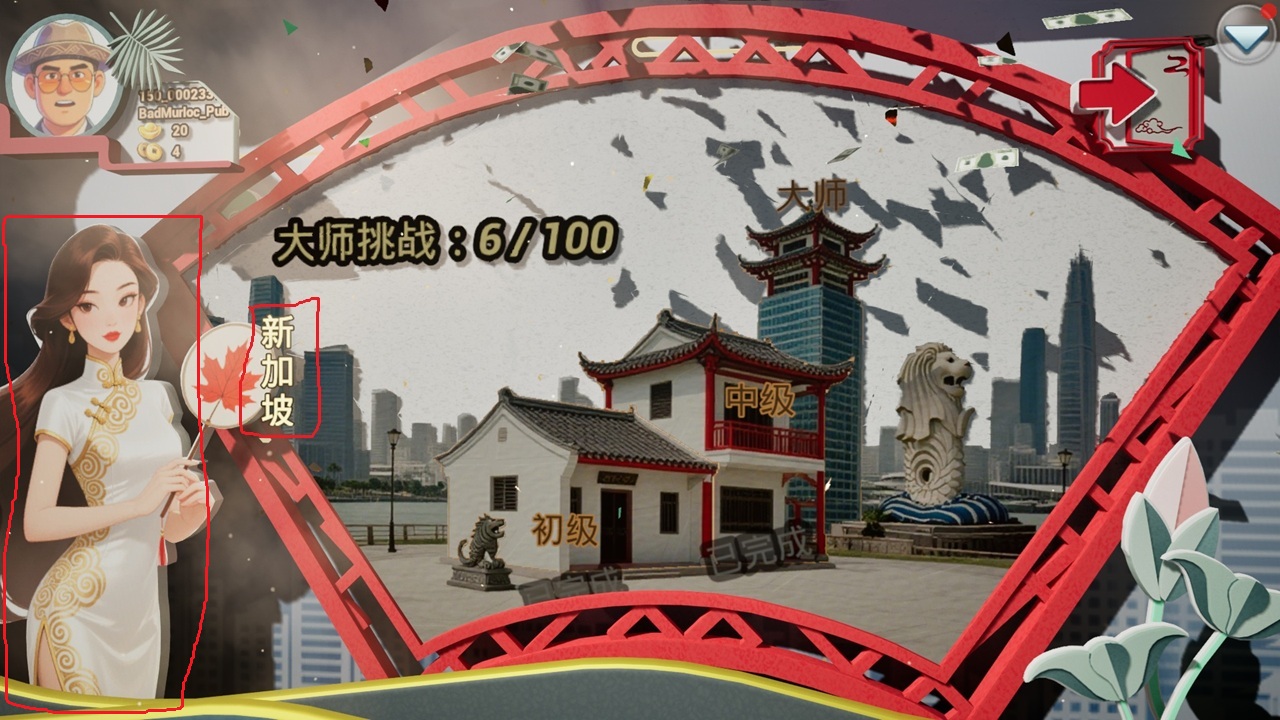
Click the game-mode text icon near the character on the lower left, or double-click the character to bring up the rule selection panel.
3.Create Multiplayer Game
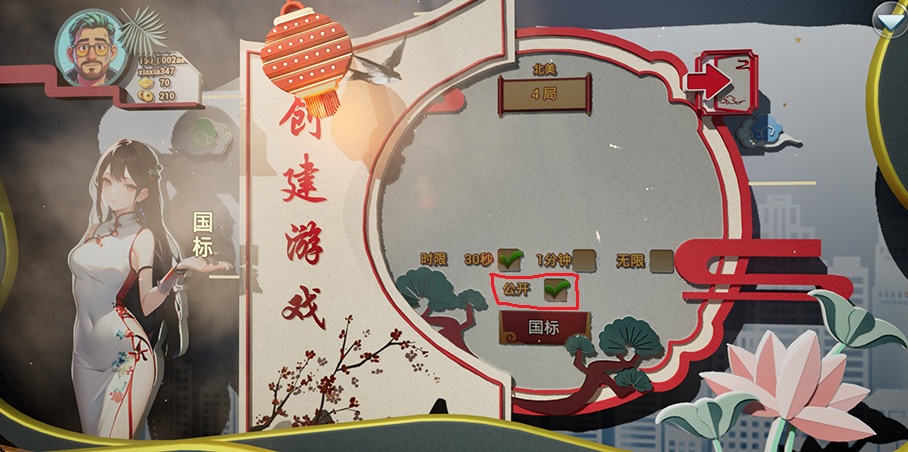
After logging in, go to Multiplayer → Create on the main menu. Choose between Public or Private room and click Create. Once the room is created, the game variant and room number will be shown in the upper-left corner. The game uses P2P networking; the host must maintain a stable network connection.
4. Join Multiplayer Game
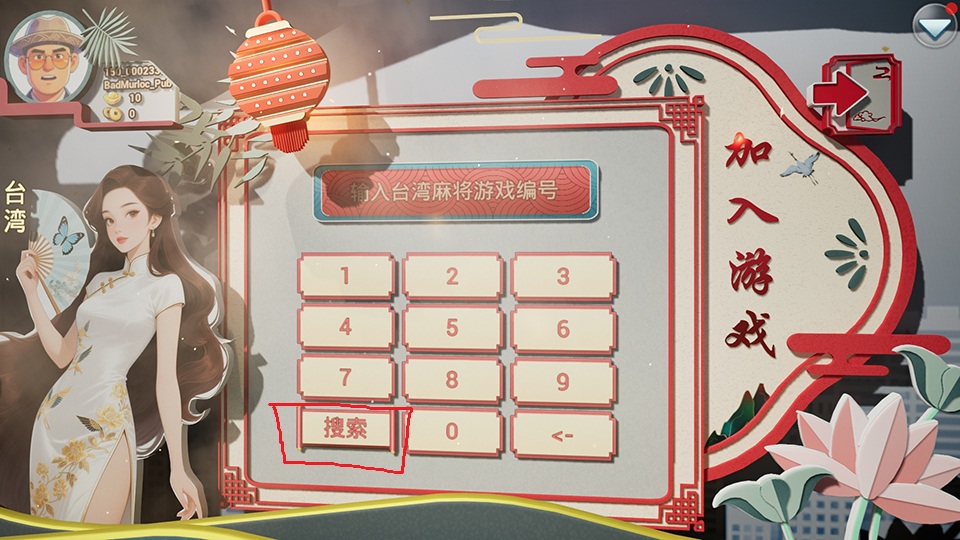
After logging in, go to Multiplayer → Join on the main menu. Use the Search / Room ID buttons in the lower left to switch joining methods.
Room ID mode: Join using the mahjong variant + room number. Switch the game variant by clicking the variant text on the left character panel, and click the input field to enter the room number.
Search mode: Set filter criteria and click Search, then select a match and click Join. Search can only find Public rooms.
5. Game Replays
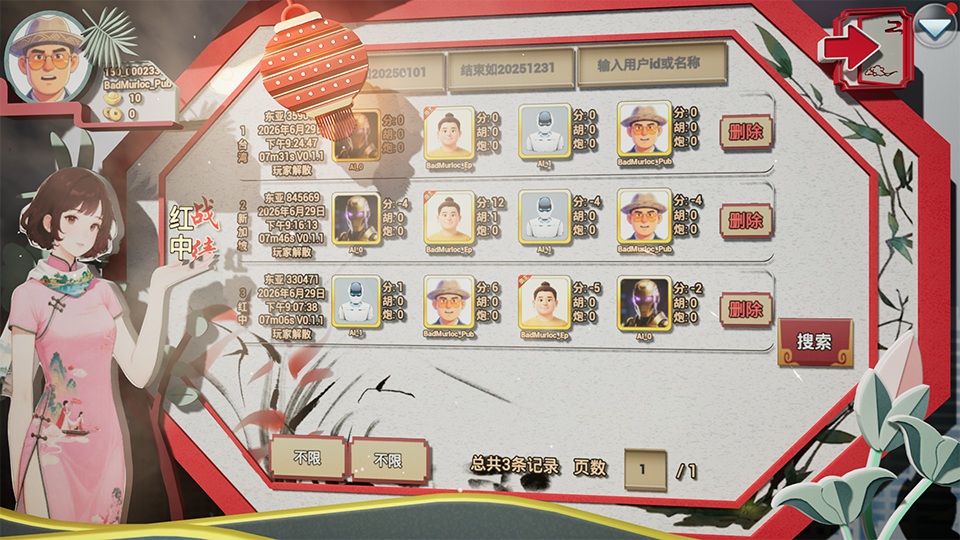
From the main menu after login, go to Match Records. Enter filter parameters and click Search. Select a match and press Play to view the replay. Replays are generated for both single-player and multiplayer matches and can be filtered during search.
FAQ
Cannot join after entering room number in multiplayer? Games are located by mahjong variant + room number. Make sure your selected mahjong variant matches that of the target room.
Others cannot find my room after creation? You must select Public visibility when creating the room for it to appear in search. Rooms set to other visibility types can only be joined via mahjong variant + room number.
Can I rejoin after disconnection? Regular players may reconnect and rejoin after dropping out. If the host disconnects, the game ends immediately. Hosts need a stable network.
Can I rotate the camera to view other players’ tiles? No. In live matches, other players’ tiles are private data and are not fetched by your client. You may view them only in replay mode.
Will replays fill up my disk? One replay file is roughly 100KB. You may manually delete replays on the replay page as needed.
Where can I get the mobile version? Android version is released on Google Play, IOS version is being packaged for release. Stay tuned.
Will new game modes be added in the future? We will consider adding new modes based on player feedback. This is an indie project; bug fixes will be prioritized given limited development resources.
How do I edit my profile? On the main menu, click your avatar in the upper left and tap Edit. Your display name cannot be changed directly in multiplayer. Steam login uses your Steam display name; EOS login uses your EOS account display name.